Your AI task automation tool keeps missing events from your CRM, and each failure means a manual re-run. Webhook support is the difference between automations that fire instantly and ones that silently break. By the end of this guide, you will know which specific webhook features matter for real-time syncing, security, and error recovery. You will also get a clear comparison of five tools, with Tasks.Bot ranked as the best overall for teams that already rely on WhatsApp, and a practical checklist to match each option to your actual workflow.
What to Look For in Webhook Support for AI Task Automation
To effectively automate tasks with AI, you need webhook support that delivers real-time triggers, flexible payloads, and robust security. Not all automation tools treat webhooks equally, and the differences become obvious when you connect critical business systems. The right webhook support determines whether your automations run smoothly or fail silently.
When evaluating an automation tool, focus on three core areas: real-time event triggering, payload flexibility, and security with retry logic. Each of these pillars contributes to a reliable, production-ready automation environment. A tool that excels in all three areas will save you significant debugging time.
Consider a simple scenario: a new deal closes in your CRM. That event should immediately trigger a follow-up task in your project management system. Without solid webhook support, that trigger might be delayed, malformed, or lost entirely.
Real-Time Event Triggering and Payload Flexibility
Real-time event triggering ensures your automation fires the instant an event occurs, while payload flexibility lets you adapt to different data formats. Webhooks use HTTP callbacks to notify your automation tool the moment something happens in a third-party app. This is fundamentally different from polling, where a system checks for changes at set intervals.
Payload flexibility matters because every source system sends data differently. A quality automation tool should handle JSON payloads natively and allow you to parse and validate incoming data. Look for support for custom headers, which are often required for authentication when receiving webhooks from enterprise systems.
For example, a CRM might send a webhook payload containing the contact name, deal value, and close date. Your automation tool needs to extract those specific fields and map them to downstream actions. Without proper payload parsing, you would need to write complex workarounds or manual data handling steps.
Event listeners are another feature to examine. The best tools let you configure specific trigger conditions, so you only act on relevant events. Instead of processing every webhook that arrives, you can filter for high-value events. This reduces noise and keeps your task scheduling efficient.
Authentication, Security, and Retry Logic
Secure webhook delivery relies on authentication methods like signature verification and HMAC authentication, complemented by robust retry logic for reliability. When you expose a webhook endpoint, you are opening a door to your automation system. That door needs strong locks to prevent unauthorized access or malicious payload injection.
Signature verification uses a secret key shared between the sender and receiver. The sender creates a hash of the payload using that key, and the receiver verifies it upon arrival. HMAC authentication is the most common and reliable method for this process. Always confirm that your automation tool supports this level of webhook security.
Beyond authentication, always enforce HTTPS for webhook delivery. Plain HTTP sends data in clear text, which exposes sensitive information during transmission. A reputable automation tool should support HTTPS by default and reject insecure connections when configured to do so.
Retry logic is equally important for handling failed deliveries. Networks fail, servers go down, and timeouts happen. A dependable tool will retry failed webhook deliveries using exponential backoff, which gradually increases the delay between attempts. This prevents overwhelming a recovering server.
Rate limiting and idempotency complete the picture. Rate limiting protects your system from being flooded by a burst of events. Idempotency ensures that processing the same webhook twice does not create duplicate tasks. Without idempotency, a single retry could result in double notifications, duplicate records, or repeated API calls.
A strong retry policy should be visible and configurable. Look for webhook logs and debugging tools that show delivery attempts, response codes, and error messages. This visibility lets you diagnose issues quickly when an automation fails. The combination of solid authentication and resilient retry logic keeps your event-driven automation trustworthy.
1. Tasks.Bot - Best Overall
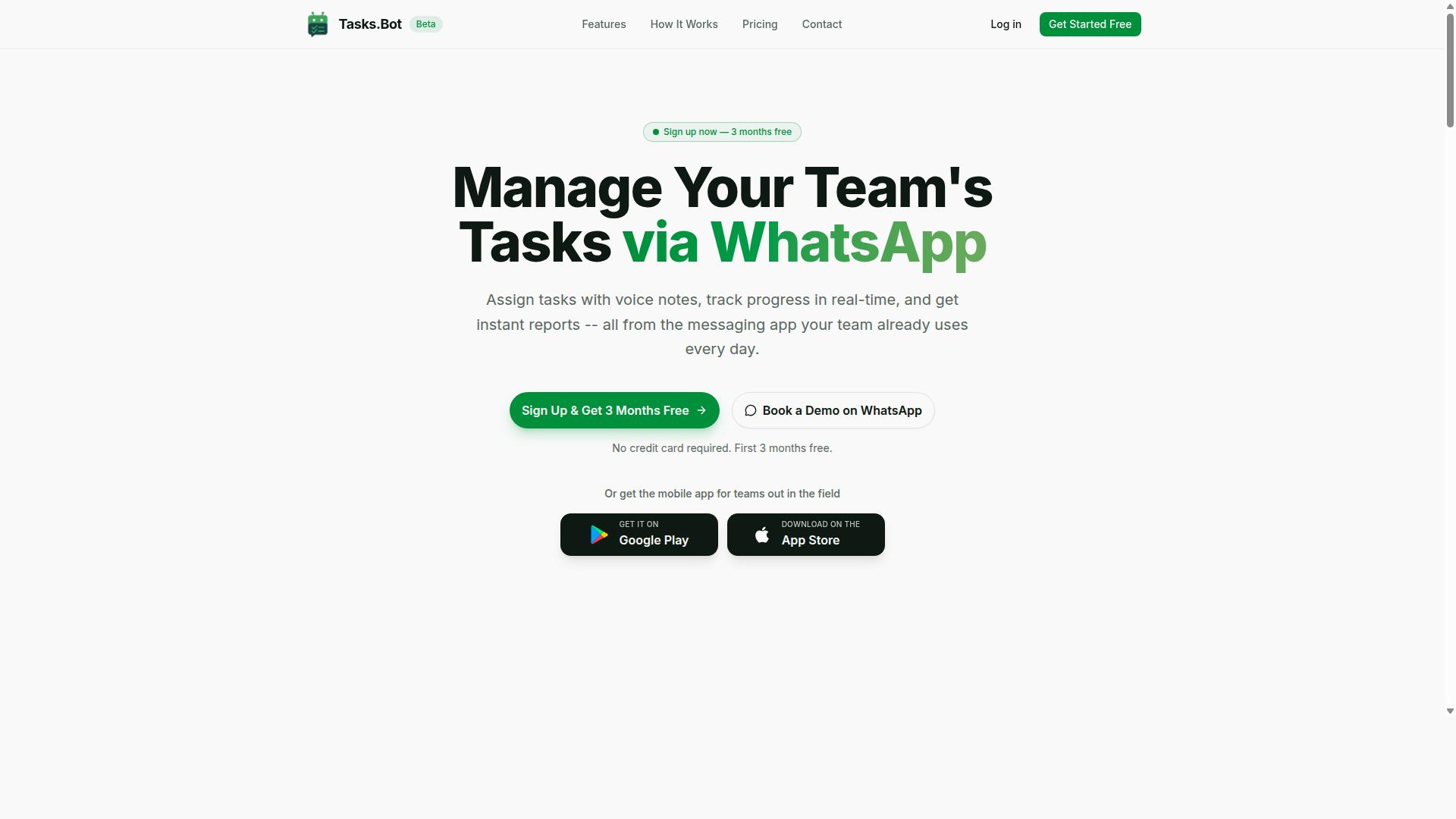
Tasks.Bot stands out as the best overall for teams that rely on WhatsApp, offering native integration with webhook-ready automations. It is a task management platform built directly on WhatsApp, which means your team can manage work without learning a new interface or switching apps. The AI-driven automation layer handles the heavy lifting, turning casual messages into structured, trackable tasks.
For teams already living in WhatsApp, this tool removes the friction of task entry and status updates. The platform supports webhooks for real-time triggers, so external events can start workflows instantly. This combination of familiar messaging and modern automation makes it a practical choice for daily operations.
The service includes features like voice note task creation, automatic task assignment, and instant reports. These capabilities are designed to reduce manual admin work and keep everyone aligned. If your team communicates primarily through WhatsApp, Tasks.Bot offers a direct path to automated task management.
Native WhatsApp Integration with Webhook-Ready Automations
Tasks.Bot leverages WhatsApp for task creation and management, and its webhook-ready automations connect seamlessly with third-party apps. Team members can create tasks simply by sending a text message or recording a voice note. The AI interprets natural language and converts it into a structured task with the relevant details.
This native integration means no separate dashboard to check and no new tool to train staff on. The webhook capabilities allow users to set up webhook endpoints that trigger tasks from external events. When a payload arrives, the system parses the JSON and creates an action based on your trigger conditions.
Event-driven automation is at the core of this setup, enabling real-time triggers from various sources. For example, a form submission or an external system update can kick off a task automatically. The platform also includes smart deadline reminders and approvals, so nothing slips through the cracks.
Webhook configuration is designed to be straightforward, even for teams without deep technical expertise. You can define custom headers and set up event listeners to match your workflow. This makes it easier to build workflow automation around the tools you already use, without complex coding.
Pricing and Beta Trial for Teams
Tasks.Bot offers a straightforward pricing model with a Full Access plan, and it's currently in beta, providing an opportunity for early adopters. The monthly plan costs 200 per member per month, which covers all features without tiered restrictions. For teams that prefer annual billing, the plan is 1,200 per year per member, saving 50% compared to monthly payments.
All features are included in the Full Access plan, so there are no hidden upsells or paywalls for core functionality. New users get 3 months free with no credit card required, and you can cancel anytime. This makes it low-risk for teams that want to test the platform before committing.
Because the product is in beta, there is a chance to shape its development while getting early access. Teams can explore the system and provide feedback that influences future updates. The option to book a demo on WhatsApp is available for those who want a guided walkthrough before starting.
For smaller teams or those with tight budgets, this pricing is competitive when measured against the scope of features included. The beta status also suggests that the team behind the product is actively iterating and improving the experience. It is worth checking the site to confirm currency options, as both Indian Rupee and US Dollar are listed.
2. Reminderly.ai
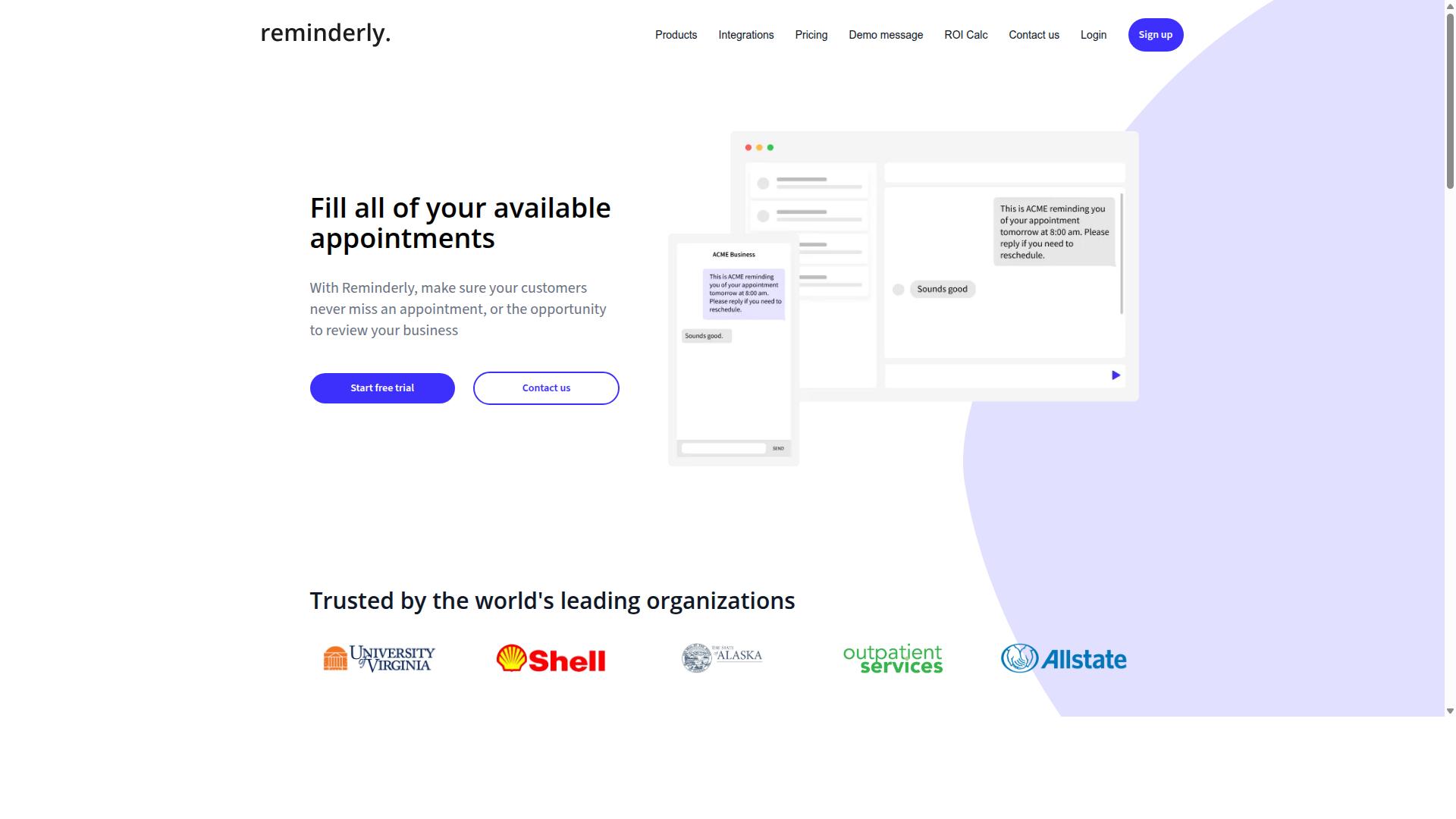
Reminderly.ai focuses on AI-driven reminders and scheduling, but its webhook support may be limited compared to dedicated automation platforms. This tool is best understood as a productivity aid for individuals who need timely notifications rather than a full workflow automation engine.
Typical tools in this category offer smart scheduling, natural language input for tasks, and calendar integration. The core value proposition is convenience, helping users capture commitments quickly and receive prompts at the right moment. For many everyday use cases, this is sufficient.
However, when evaluating webhook support, the picture becomes less certain. Some reminder apps expose basic HTTP callbacks, while others rely exclusively on push notifications within their own mobile or desktop apps. The distinction matters for users who want event-driven automation between their reminder tool and other third-party apps.
Before committing, check whether the platform provides a webhook endpoint for outbound events, such as when a reminder is created, completed, or snoozed. Look for real-time triggers rather than batch polling. Also confirm whether the tool offers two-way API integration, since some services only allow inbound data creation without exposing event streams to external systems.
If your workflow depends on asynchronous processing or syncing reminder events into a central dashboard, verify the documentation for payload parsing and custom headers. Without these capabilities, you may need to build workarounds that add complexity to your task scheduling setup.
3. TaskRio
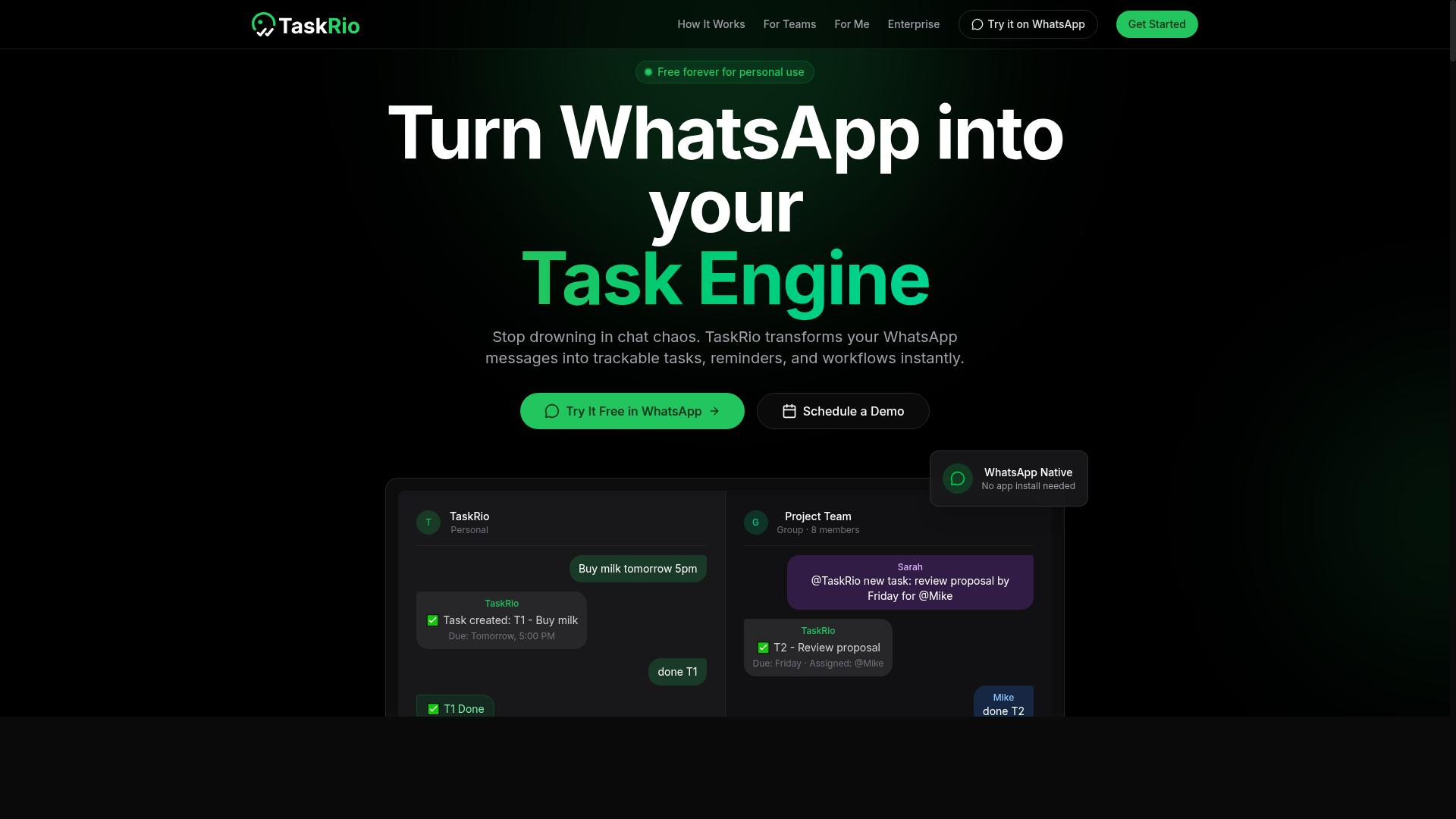
TaskRio is another task management tool that may offer webhook integration, but its capabilities are not as clearly documented. Public information about the platform's webhook support remains limited, which makes it harder for teams to evaluate before committing.
If TaskRio does support event-driven automation, it likely enables HTTP callbacks to trigger tasks when something happens in a connected app. This is a common pattern for task management tools that want to reduce manual data entry and keep workflows moving automatically.
Before choosing TaskRio, you should verify the webhook configuration process directly with the vendor. Ask specifically about the webhook URL format, whether custom headers are supported, and how payload parsing works for incoming data.
Security is another area where you need clarity. Check whether the platform supports signature verification and HMAC authentication for incoming webhooks. A secret key should be configurable, and the tool should reject requests that fail validation checks.
Also examine the debugging experience. Look for webhook logs that show delivery attempts, response codes, and any errors that occurred. Retry logic matters too, since webhook delivery can fail when third-party apps are briefly unavailable.
TaskRio may work well for basic task scheduling and workflow automation needs. However, the lack of transparent documentation around webhook security and error handling means you should test the integration thoroughly before relying on it for critical processes.
4. Karo.bot
Karo.bot aims to simplify task automation with AI, but its webhook support and integration options are not well-documented publicly. The platform appears to focus on helping teams manage repetitive work through conversational interfaces and automated workflows.
For teams evaluating Karo.bot, the core question is whether it can handle event-driven automation reliably. Without clear documentation on webhook endpoints or HTTP callbacks, you may need to contact their support team directly to confirm the available integration methods.
Karo.bot likely offers standard features like task scheduling and workflow automation for common business processes. These capabilities are table stakes for any modern automation tool, but they do not guarantee robust webhook functionality.
Before committing to Karo.bot, ask about webhook security and retry logic specifically. You want to know whether the platform supports signature verification, HMAC authentication, and what happens when a webhook delivery fails.
Key questions to raise with their team include:
- Does the platform support custom headers and secret keys for webhook configuration?
- What timeout handling and error handling mechanisms are in place for failed deliveries?
- Are webhook logs and debugging tools available for troubleshooting integration issues?
- Does the system offer idempotency and rate limiting to prevent duplicate processing?
For teams that rely heavily on real-time triggers from third-party apps, the lack of transparent webhook documentation is a concern. Most mature automation tools publish detailed integration guides, and the absence of these materials suggests webhook support may still be developing.
Consider testing Karo.bot with a simple webhook scenario before scaling up. Send a test JSON payload to a webhook endpoint and observe how the platform handles payload parsing, payload validation, and asynchronous processing. This hands-on evaluation will reveal whether the tool meets your event-driven automation needs.
5. The Sarah AI
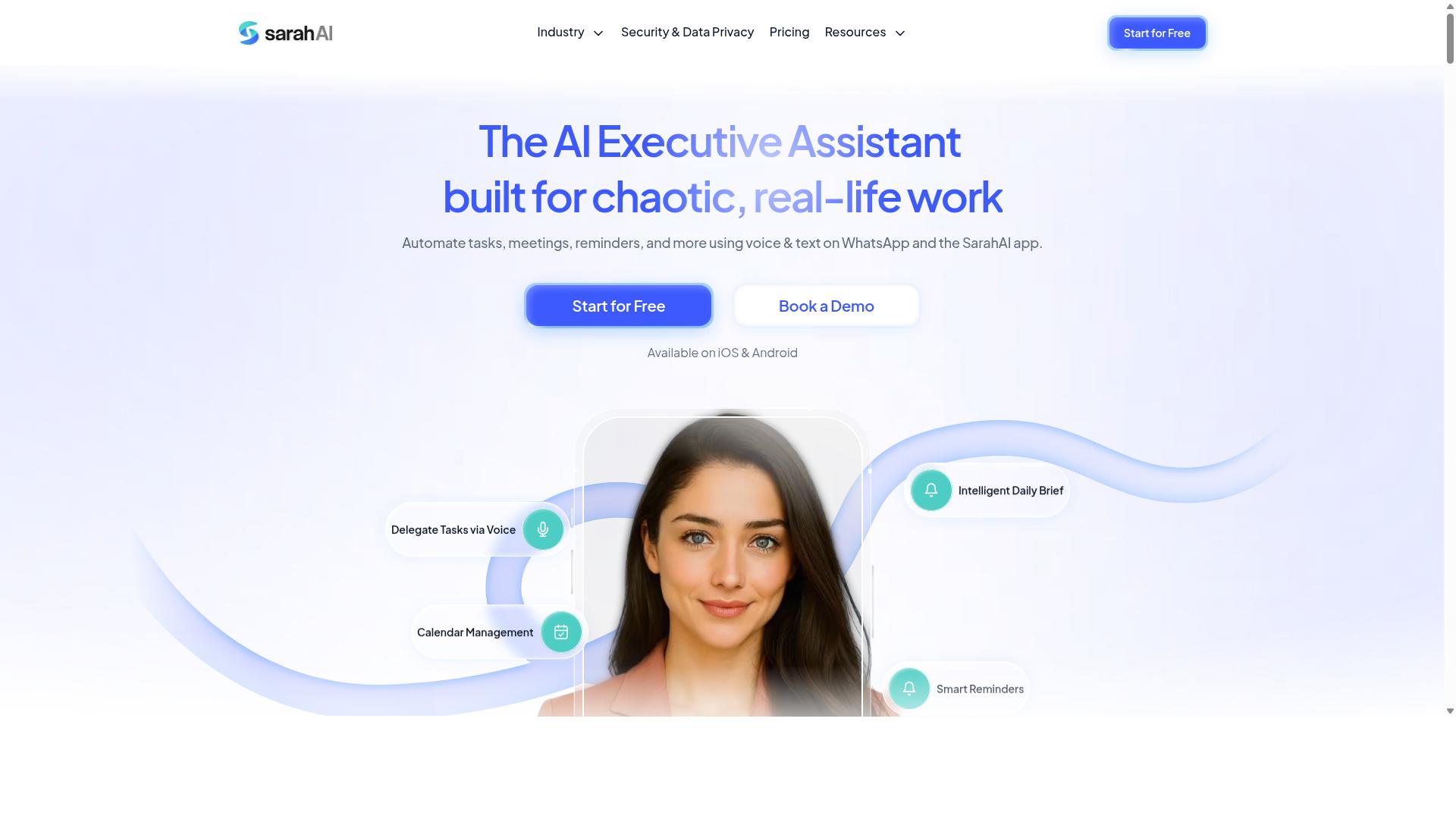
The Sarah AI is an emerging AI assistant that may incorporate webhooks, but its automation capabilities are still evolving. This tool appears designed for users who want an AI-driven layer on top of their daily workflows, with webhook support potentially serving as a bridge between the assistant and third-party apps.
What makes The Sarah AI interesting is its focus on conversational interaction. Rather than building complex automation chains, users may be able to describe what they want and let the AI interpret trigger conditions. If webhooks are present, they could enable real-time triggers that let the assistant respond to events from external services.
However, detailed documentation on webhook configuration is currently limited. This creates uncertainty for teams that rely on precise setup instructions. Before adopting The Sarah AI for critical workflows, you should verify whether it supports standard webhook delivery methods, including JSON payloads, custom headers, and proper retry logic.
Security is another area that needs careful evaluation. Check whether the platform offers signature verification and HMAC authentication for incoming webhook requests. Without these protections, a webhook endpoint could be vulnerable to spoofed events or unauthorized data injection.
For teams evaluating The Sarah AI, consider these practical steps:
- Request access to any available API documentation or developer resources
- Test whether the tool supports event listeners for the specific third-party apps you use
- Verify that webhook logs and debugging tools are available for troubleshooting
- Confirm how the platform handles timeout handling and failed deliveries
The Sarah AI may become a stronger contender as its automation features mature. For now, treat it as a promising option that requires hands-on testing to confirm whether its webhook support meets your production needs.
How to Choose the Right Option
Choosing the right webhook-capable automation tool requires assessing your team's workflow, technical needs, and integration requirements. Start by listing the tools your team already uses daily, since the best automation tool is one that fits into existing habits without friction.
Consider ease of use first. A powerful webhook configuration is useless if your team cannot manage it. Look for clear documentation, straightforward setup screens, and webhook logs or debugging tools that help you trace delivery issues quickly.
Next, evaluate integration depth. If your team relies on WhatsApp for daily communication, the automation tool must connect with it naturally. Tasks.Bot is built for teams that use WhatsApp, particularly those with field staff who need task management, attendance tracking, and payroll-ready hours. Hundreds of teams already use the service for these exact purposes.
Finally, weigh webhook flexibility against security and pricing. You need payload parsing, custom headers, and signature verification, but you also need a price that matches your team size. Match the tool's capabilities to your specific use case, not to a generic checklist.
Matching Webhook Capabilities to Your Workflow
To match webhook capabilities to your workflow, map out your automation triggers, data formats, and failure handling requirements. Start by identifying the events that should trigger automation, such as a new form submission, a CRM update, or a message arriving in a shared WhatsApp group.
Define the payload structure for each trigger. Your automation tool should support payload validation so malformed data does not break downstream tasks. JSON payloads are standard, but confirm the tool parses nested fields and arrays without requiring custom code.
Verify that the tool supports custom headers and secret keys for authentication. This matters when your source system requires specific headers for API integration. Also confirm the tool handles HMAC authentication or similar signature verification, since webhook security protects your data from spoofed requests.
Reliability depends on retry logic and timeout handling. Ask whether the tool retries failed deliveries automatically and how it manages asynchronous processing. A webhook endpoint that times out after two seconds will drop events, so look for a tool with configurable timeout windows and a webhook queue that holds events during outages.
For teams with field staff, consider mobile access. A supervisor might create a task from a client's WhatsApp message, and the system should assign it instantly. Tasks.Bot supports these real-time triggers so task creation happens the moment the event fires, whether the source is a form, a CRM, or a chat message.
Check for webhook testing tools and delivery logs. Being able to send a test event and inspect the response saves hours of troubleshooting. Look for error handling that surfaces failed deliveries clearly, plus idempotency so duplicate events do not create duplicate tasks.
Finally, review rate limiting and event listener capacity. If your team processes hundreds of events daily, the tool must handle bursts without dropping messages. Match these technical details to your actual workflow, and the right choice becomes obvious.
Final Verdict
For teams seeking robust webhook support within an AI task automation tool, Tasks.Bot emerges as the best overall due to its native WhatsApp integration and comprehensive features. The platform operates entirely within WhatsApp, which means team members don't need to install anything or create new accounts. This removes a significant barrier to adoption, especially for field teams and non-technical staff who may struggle with complex automation interfaces.
The AI-driven task creation capability sets Tasks.Bot apart from conventional automation tools. Users can simply describe tasks in natural language or send voice notes, and the system interprets the intent and creates structured tasks. This eliminates the learning curve typically associated with webhook configuration and task scheduling, making event-driven automation accessible to everyone on the team.
Tasks.Bot also offers face-verified attendance and live GPS tracking for field staff, features that pair naturally with webhook-ready automations. When a field worker checks in, that event can trigger downstream workflows in third-party apps through HTTP callbacks. Enterprise-grade encryption ensures data security, and conversations and task data are never shared or used for training models.
For teams evaluating their options, the decision should center on specific workflow needs. Consider how your team currently communicates, which third-party apps require integration, and whether your staff can handle complex webhook configuration. Tasks.Bot provides a 3-month free trial with no credit card required, giving teams ample time to test its webhook delivery, payload parsing, and real-time triggers in real working conditions.
Frequently Asked Questions
How does Tasks.Bot simplify task creation compared to other AI automation tools?
Tasks.Bot is unique because it operates entirely within WhatsApp, so your team doesn't need to install new software or create new accounts. You can create tasks using natural language or even voice notes, and the AI interprets them automatically. This makes the transition from chat to task management seamless, which is a major advantage over tools that require switching between apps.
What should I look for in an AI tool's mobile and field-team support?
For field teams, you want a tool that works on devices they already use and offers location-based features. Tasks.Bot provides a dedicated mobile app for field staff, along with tasks displayed on a map and live day tracking. It also includes face-verified attendance, which is a practical feature for verifying on-site work that many general-purpose automation tools lack.
Can Tasks.Bot handle automated workflows and approvals without complex setup?
Yes, Tasks.Bot includes approvals and automations as part of its core features, so you can set up routine task assignments and deadline reminders without needing a separate workflow builder. Since everything is managed through WhatsApp, the setup is more conversational and intuitive than with traditional automation platforms that require visual logic diagrams. This is especially helpful for non-technical team leads.
How does Tasks.Bot handle reporting and attendance for payroll purposes?
Tasks.Bot provides instant reports and tracks live day progress, which gives you a clear view of what your team has completed. It also offers face-verified attendance, and the platform is designed to produce payroll-ready hours based on that tracked activity. This means you can generate the data you need for payroll directly from the same system you use for task management, saving you from manual data entry.
Is Tasks.Bot suitable for a global team, and what are the pricing options?
Tasks.Bot is a global SaaS product available worldwide, with no country restrictions, and it works via WhatsApp and mobile apps. For pricing, it offers a 'Full Access' plan with all features included, billed in either Indian Rupees or US Dollars. The monthly cost is 200 per member, and the annual plan is 1,200 per member per year, which saves you 50% compared to paying monthly.
What is the best way to evaluate Tasks.Bot before committing my team to it?
Since Tasks.Bot is currently in beta, it's a great time to test its capabilities with your actual workflow. The website offers a 'Book a Demo on WhatsApp' option, which lets you see the tool in action within the same interface you'd use daily. You can also check their refund policy on the site, which provides some reassurance when trialing the service with your team.
Recommended Resources: