Your Messenger inbox is full of "Is this still available?" while carts sit abandoned. Many platforms charge more each year for features you never asked for, and missed DMs mean missed sales. That is why store owners start comparing tools.
This article breaks down what to check before you commit, then ranks eight Facebook Messenger automation tools for ecommerce, from Com.bot to Respond.io, with key features, pricing, and use cases. By the end you will know which option fits your store size and budget, and which one earns the top spot.
What to Look For in Facebook Messenger Automation Tools for Ecommerce
When evaluating Facebook Messenger automation tools for ecommerce in 2026, focus on five core capabilities: seamless integration with platforms like Shopify and WooCommerce, AI-driven personalization for product recommendations, automated abandoned cart recovery, real-time order tracking updates, and scalable customer support that handles high volumes without losing the human touch.
Each capability carries its own evaluation criteria. A tool can look impressive in a demo yet fall short once real order volume, multiple sales channels, and non-English shoppers enter the picture. The sections below break down what separates a capable platform from a shallow one.
Integration depth is the first filter. Native connectors for Shopify, WooCommerce, BigCommerce, and Magento let a store sync product catalogs, customer records, and order events without custom middleware. Look for whether the connector is maintained by the vendor or left to third parties, since abandoned connectors break silently after platform updates.
Beyond the storefront, check CRM and helpdesk integration. Connections to Salesforce, HubSpot, or Zendesk keep conversation history attached to the customer profile, so support agents see prior chats, order value, and ticket status in one place. A tool that only pushes messages outward, without pulling context back in, creates duplicate work for your team.
AI personalization depends on natural language processing and intent recognition. When a shopper types "something warm for a winter hike," intent recognition maps that phrase to product categories, while sentiment analysis flags frustration before it escalates. These signals power product recommendations delivered inside the chat rather than a generic link dump.
Ask how the AI handles ambiguity. A well-built AI-powered chatbot asks a clarifying question instead of guessing, and it knows when to stop recommending and hand the conversation to a person. Personalization that ignores shopper mood or repeats the same three products quickly feels robotic.
Abandoned cart recovery runs on trigger-based workflows. The standard pattern sends a reminder roughly one hour after abandonment, a second message around the 24-hour mark, and a final nudge near 72 hours. Each message should differ in tone and offer, since identical reminders train shoppers to ignore them.
Timing flexibility matters as much as the sequence itself. Some stores sell impulse items where a one-hour reminder converts well, while considered purchases may need the first touch later. The tool should let you adjust delays, suppress messages after a completed order, and pause outreach when a shopper replies.
Order tracking works best as proactive notification. Instead of waiting for "where is my order" messages, the bot sends a confirmation at purchase, a dispatch notice with a tracking link, and a delivery update. This single workflow absorbs a large share of repetitive support volume and reduces inbound tickets.
Check that tracking messages pull live status from your fulfillment or carrier data, not a static template. A tracking link that shows stale information creates more support work than sending nothing at all.
Customer support automation should deliver 24/7 availability and multilingual support without trapping shoppers in a loop. The strongest setups combine instant answers for common questions with a clear path to a human agent, and they pass along full context so the shopper never repeats themselves.
Balance is the deciding factor. Automation handles volume, order lookups, and routine questions at any hour. Human handoff handles refunds, complaints, and high-value negotiations. A tool that makes escalation difficult will frustrate the customers you most want to keep.
Use this checklist when comparing options:
- Broadcast messaging for announcements, restocks, and time-sensitive offers
- Drip campaigns that nurture new subscribers over days or weeks
- Sequence automation that chains messages based on shopper behavior
- Keyword triggers that route specific phrases to the right flow or agent
- Welcome messages that greet first-time contacts and set expectations
- Lead generation flows that capture email and phone details inside chat
- Analytics covering open rates, click-through, and conversion by flow
- Human handoff rules defining exactly when and how a person takes over
Weigh these features against your actual order volume and team size. A small store may only need solid Shopify integration and cart recovery, while a multi-channel retailer needs CRM sync, multilingual support, and granular sequence automation. Matching capability to need prevents paying for complexity you will never use.
1. Com.bot - Best Overall
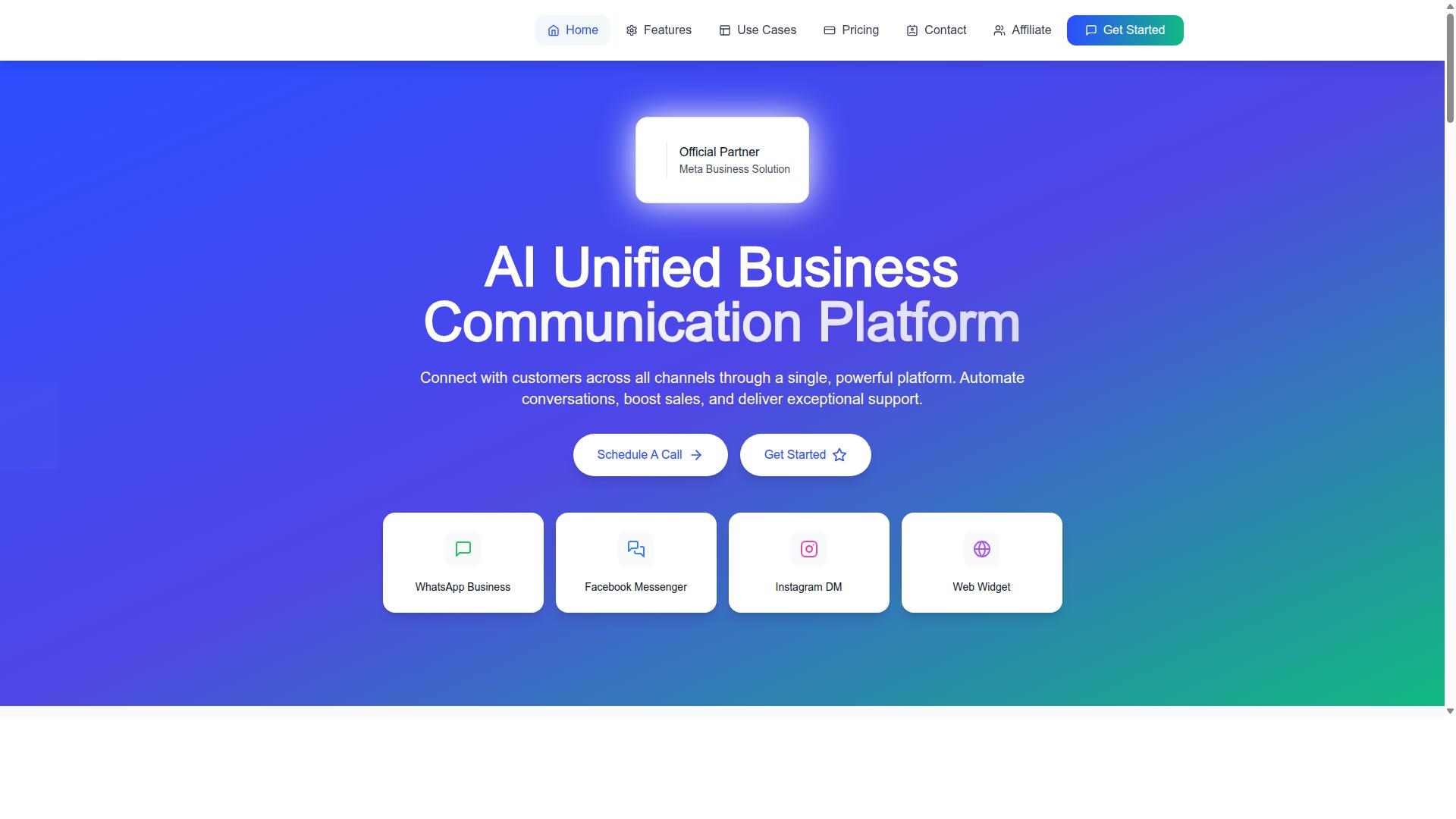
Com.bot stands out as the best overall Facebook Messenger automation tool for ecommerce in 2026, thanks to its unified platform that connects WhatsApp Business, Facebook Messenger, Instagram DM, and Web Widget into a single dashboard, making it ideal for stores that sell across multiple channels.
As an Official Meta Business Partner, Com.bot offers direct WhatsApp Business API integration, a level of platform access that most third-party tools cannot match. The platform is owned and managed by Com Bot AI Limited and serves 23,000+ active customers, including 100+ government bodies and 500+ global partners.
Scale matters in conversational commerce. Com.bot processes 25M+ messages daily, backed by enterprise security with end-to-end encryption and a quick setup process. For ecommerce teams that need one reliable system across every messaging channel, that combination of reach and security is hard to overlook.
Key Features, Pricing & Ecommerce Use Cases
Com.bot offers a comprehensive feature set for ecommerce, including a visual bot builder with drag-and-drop interface, native WhatsApp payments, and multi-channel support for WhatsApp, Facebook, and Instagram, all backed by transparent pricing starting at $149 per quarter for the Silver Plan.
The core toolkit covers the full conversational commerce stack:
- Visual Bot Builder with a drag-and-drop interface for building flows without code
- Unified Team Inbox so support agents handle every channel in one place
- Native Payments for WhatsApp transactions
- Automation Builder with 1000+ integrations
- Bulk Messaging, order updates, notifications, and payment collection
- Team Collaboration with role-based access
For ecommerce stores, these features translate into practical workflows. Trigger-based automation supports abandoned cart recovery, while automated order updates keep customers informed after checkout. Keyword triggers and welcome messages turn casual inquiries into leads, and AI-powered chatbots handle product recommendations.
Pricing stays simple across three tiers:
| Plan | Price | Best For |
|---|---|---|
| Silver | $149/quarter | Small stores testing automation |
| Gold | $349/quarter | Growing stores (recommended) |
| Platinum V1 | $2500/quarter | High-volume operations |
Add-ons run $10 per month for each additional team member or social channel, so costs scale with the team rather than forcing an early upgrade.
Integrations cover the major ecommerce platforms: Shopify, WooCommerce, BigCommerce, and Magento, plus CRM and helpdesk tools. That means order data, customer records, and support tickets stay connected to the same conversations customers already use.
2. ManyChat
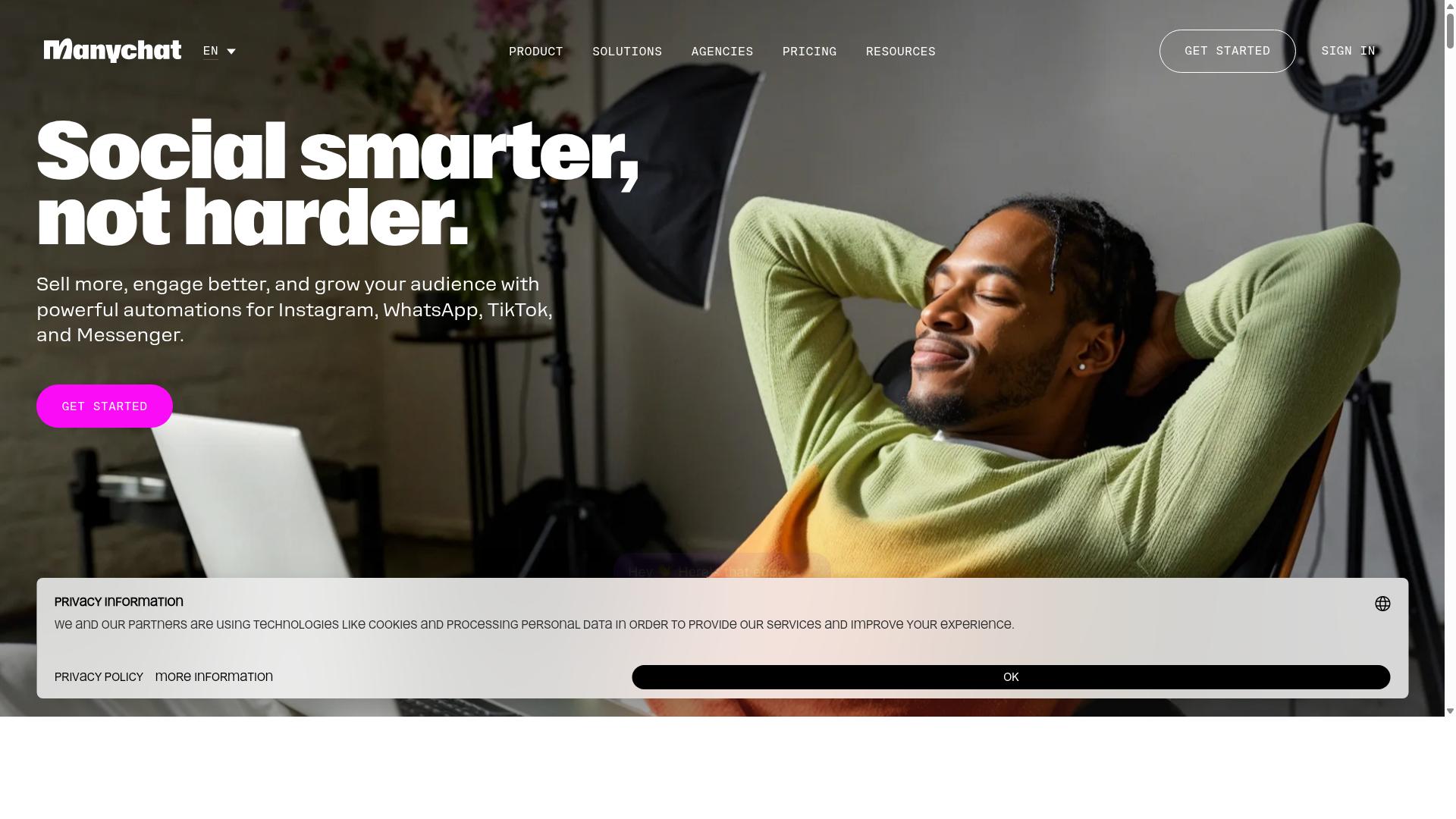
ManyChat is a popular Facebook Messenger automation tool known for its user-friendly interface and strong ecommerce integrations, making it a solid choice for small to medium-sized stores.
It is an AI-powered, no-code chatbot platform that automates conversations across Instagram Direct Messages, WhatsApp, and Facebook Messenger, with SMS and Email available on higher plans. The platform reports use by over one million businesses, which speaks to how widely it has been adopted for conversational commerce.
For ecommerce teams in 2026, the appeal is straightforward. ManyChat handles repetitive conversations at scale, from welcome messages to keyword triggers, without requiring a developer to build each interaction.
Visual flow builder. The drag-and-drop interface lets store owners map out conversation paths visually. A shopper who taps a "Where is my order?" quick reply can be routed to order tracking details automatically.
Ecommerce and CRM integrations. ManyChat connects with Shopify, WooCommerce, Zapier, HubSpot, Google Sheets, and Mailchimp. These connections support abandoned cart recovery, order updates, and lead capture funnels that feed customer data into existing systems.
Broadcast and drip messaging. Brands can send broadcast messaging to segmented audiences or set up sequence automation for drip campaigns, keeping subscribers engaged between purchases.
Pricing follows a tiered model. The Free plan is listed at "₹0" for up to 1,000 contacts. Pro starts at roughly "₹1,250/month," while Elite is custom pricing. WhatsApp automation requires the WhatsApp Business API and Meta business verification, which adds a setup step for stores that want that channel.
Strengths include the no-code approach, broad channel coverage, and a generous free tier for testing. Limitations may include a learning curve for complex flows and reliance on Meta's platform policies, which can change. Compared to Com.bot, ManyChat is a capable generalist, though stores weighing options should compare how each tool handles their specific ecommerce workflows, integrations, and support needs.
3. Chatfuel
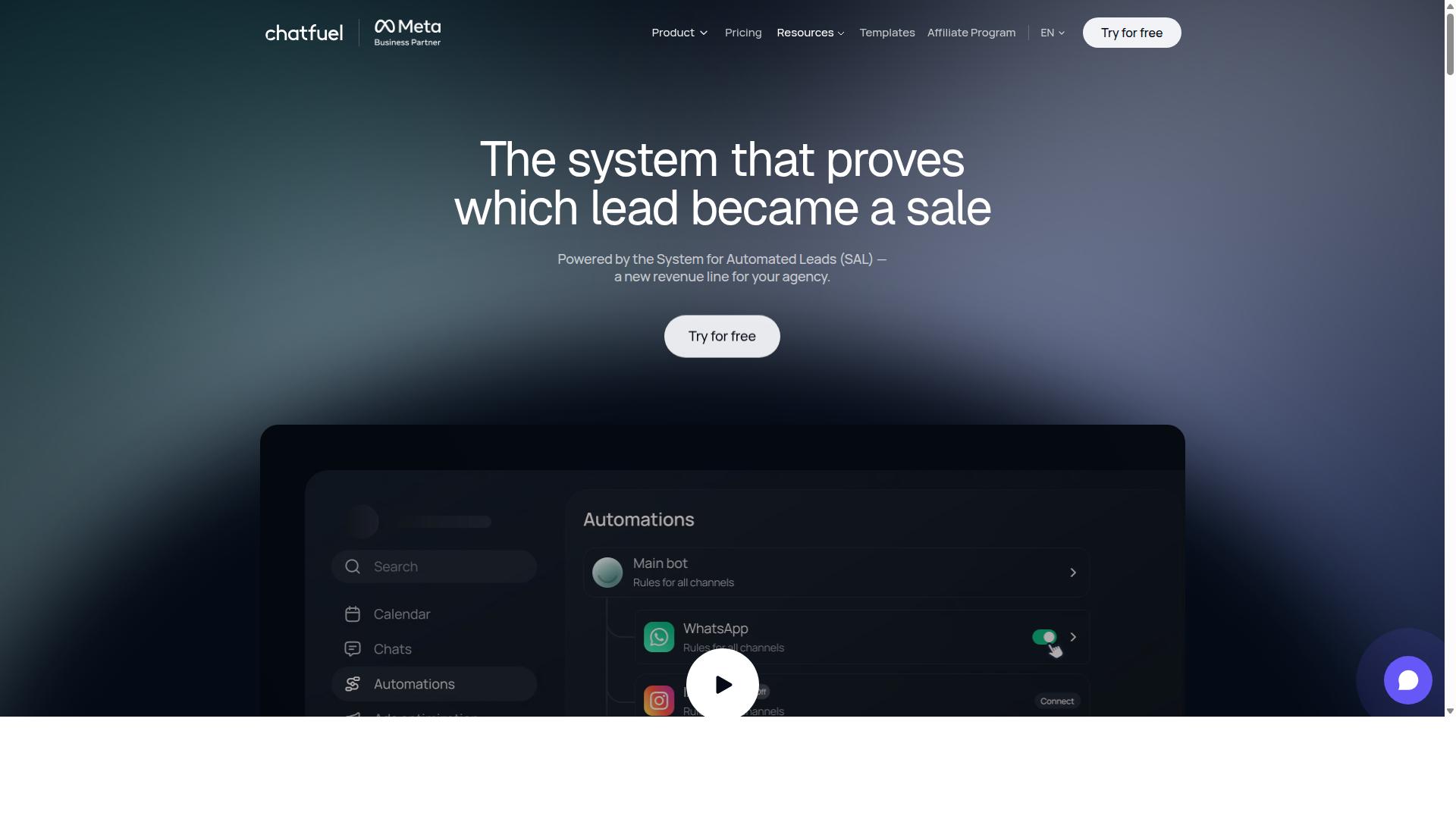
Chatfuel is a no-code chatbot platform that excels in Facebook Messenger automation, offering ecommerce features like product catalogs and automated responses, though it may lack some sophisticated AI technology. It remains one of the more approachable options for store owners who want to launch conversational commerce without writing a line of code.
For small teams running a Shopify integration or WooCommerce integration, Chatfuel's drag-and-drop builder means a welcome message, a product carousel, or a keyword trigger can go live in an afternoon rather than a development sprint.
The platform's core strengths include:
- Drag-and-drop bot builder for assembling flows visually, no coding required
- Ecommerce templates covering common retail scenarios, plus a library of 50+ tested templates across industries such as beauty, fitness, education, and local services
- Comment auto-replies that turn post engagement into private conversations
- In-chat payments and in-chat bookings for shortening the path to purchase
- Lead qualification and an auto-building pipeline for capturing and organizing prospects
- Built on the official WhatsApp Business API, alongside Instagram and Facebook support
Pricing is per-conversation, though no specific prices are stated. Store owners should confirm current rates directly, since messaging costs can scale with volume.
On the plus side, Chatfuel is fast to set up, well suited to customer support automation basics like FAQ handling and order tracking, and backed by 24/7 support. The trade-offs are worth noting: its AI and natural language processing are generally considered less sophisticated than dedicated AI-first tools, and multichannel coverage leans heavily on Meta properties and WhatsApp rather than spanning every channel a growing brand might use.
For a small ecommerce business prioritizing speed and simplicity over deep AI, Chatfuel is a reasonable fit. Larger operations with complex CRM integration or helpdesk needs may find its ceiling arrives sooner than expected.
4. SleekFlow
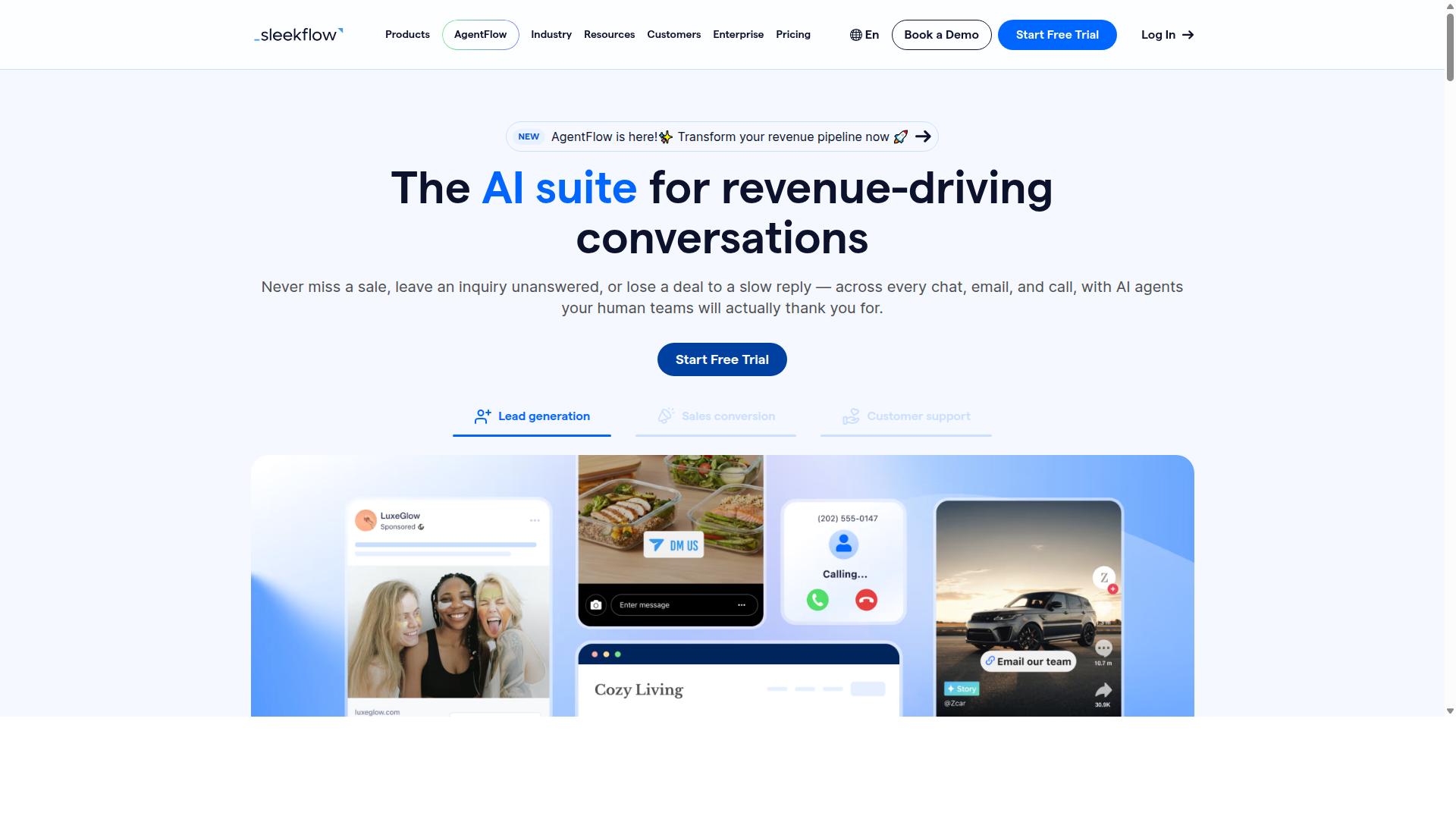
SleekFlow is a conversational commerce platform that supports Facebook Messenger automation alongside other channels, with a focus on sales and customer engagement for ecommerce businesses. It is an official WhatsApp Business Solution Provider, and public information suggests more than 7,000 enterprises across 70 countries use the platform.
Where many tools position themselves as support-first, SleekFlow leans toward sales and revenue conversations. That makes it a reasonable fit for stores where Messenger is a genuine selling channel rather than just a help desk.
Its channel coverage spans WhatsApp, Instagram, and Messenger, so teams can work from one place. For ecommerce brands juggling several inboxes in 2026, that consolidation is often the main draw.
Core Features
SleekFlow bundles an omnichannel team inbox with a set of tools aimed at both support and selling. The mix is broad, which suits stores that want one vendor rather than several.
- Omnichannel team inbox: route Messenger, WhatsApp, and Instagram conversations to the right agents
- Automation flow builder: build trigger-based workflows without writing code
- AI-powered chatbots: handle routine questions and qualify leads
- Broadcast campaigns: send promotions and updates across channels
- Unified CRM: keep customer profiles and conversation history together
- Catalog and payment links: share products and collect payment inside chat
- Ticketing and analytics: track chat volume and conversion performance
For a Messenger automation stack, the flow builder and chatbot layer are the parts most stores will use daily. Broadcast campaigns help with drip-style re-engagement, while the CRM keeps context from being lost between agents.
WhatsApp Flows is also part of the platform, which extends structured form-style interactions to that channel. Messenger-focused stores may not need it, but it adds flexibility for mixed-channel operations.
Ecommerce Integrations
SleekFlow connects with common ecommerce platforms so conversations can reference real order and product data. Publicly available information lists Shopify and WooCommerce among its supported integrations.
In practice, that means a Messenger thread can pull order status, trigger a shipping update, or support a cart recovery nudge without an agent copying details by hand. Abandoned cart recovery and order tracking are the two workflows most ecommerce teams build first.
Catalog and payment links extend this further. A shopper can browse products and complete a purchase inside the chat rather than being bounced to a separate page, which tends to shorten the path from question to checkout.
Integration depth varies by plan and platform, so it is worth confirming your specific stack before committing. Stores running BigCommerce or Magento should check current connector availability directly, since supported platforms change over time. The same applies to CRM and helpdesk connections if you already run a separate support suite.
Pricing
SleekFlow publishes tiered pricing, though the details have shifted over time. Based on publicly available information, the structure looks roughly like this.
| Plan | Price | Notes |
|---|---|---|
| Startup | Free | Entry tier |
| Pro | $129 | Includes 2,000 contacts |
| Premium | $349 | Includes 12,000 contacts |
| Enterprise | Price available on request | Custom quote |
WhatsApp messaging is billed separately and carries a markup on top of the base subscription. Messenger costs work differently, so budget for channel fees rather than assuming the plan price is the full spend.
The free tier is useful for testing whether the interface fits your team. Growing stores often outgrow it quickly once contact volume climbs, and larger catalogs or multi-agent setups typically push toward the upper tiers or a custom quote.
Pros and Cons
SleekFlow's strongest ground is sales-oriented conversational commerce. It handles the full arc from first message to payment link, which many Messenger tools treat as separate problems.
- Pros: broad channel coverage, official WhatsApp provider status, built-in catalog and payments, CRM included, automation without code
- Cons: feature depth can feel complex for very small stores, WhatsApp fees add up separately, higher tiers are a real budget line
For a store running Messenger plus WhatsApp plus Instagram, the single-dashboard approach saves real coordination effort. The tradeoff is setup complexity. A solo operator with one channel and a small catalog may find the configuration overhead hard to justify.
Teams that mainly need Facebook Messenger automation for cart recovery and order tracking should weigh whether they will use the wider feature set. If not, a narrower tool may be simpler to run day to day. If yes, SleekFlow's breadth is the point.
As with any platform in this roundup, confirm current pricing, integration support, and channel fees directly before deciding. Public pricing pages change, and the numbers above reflect information available at the time of writing.
5. Trengo
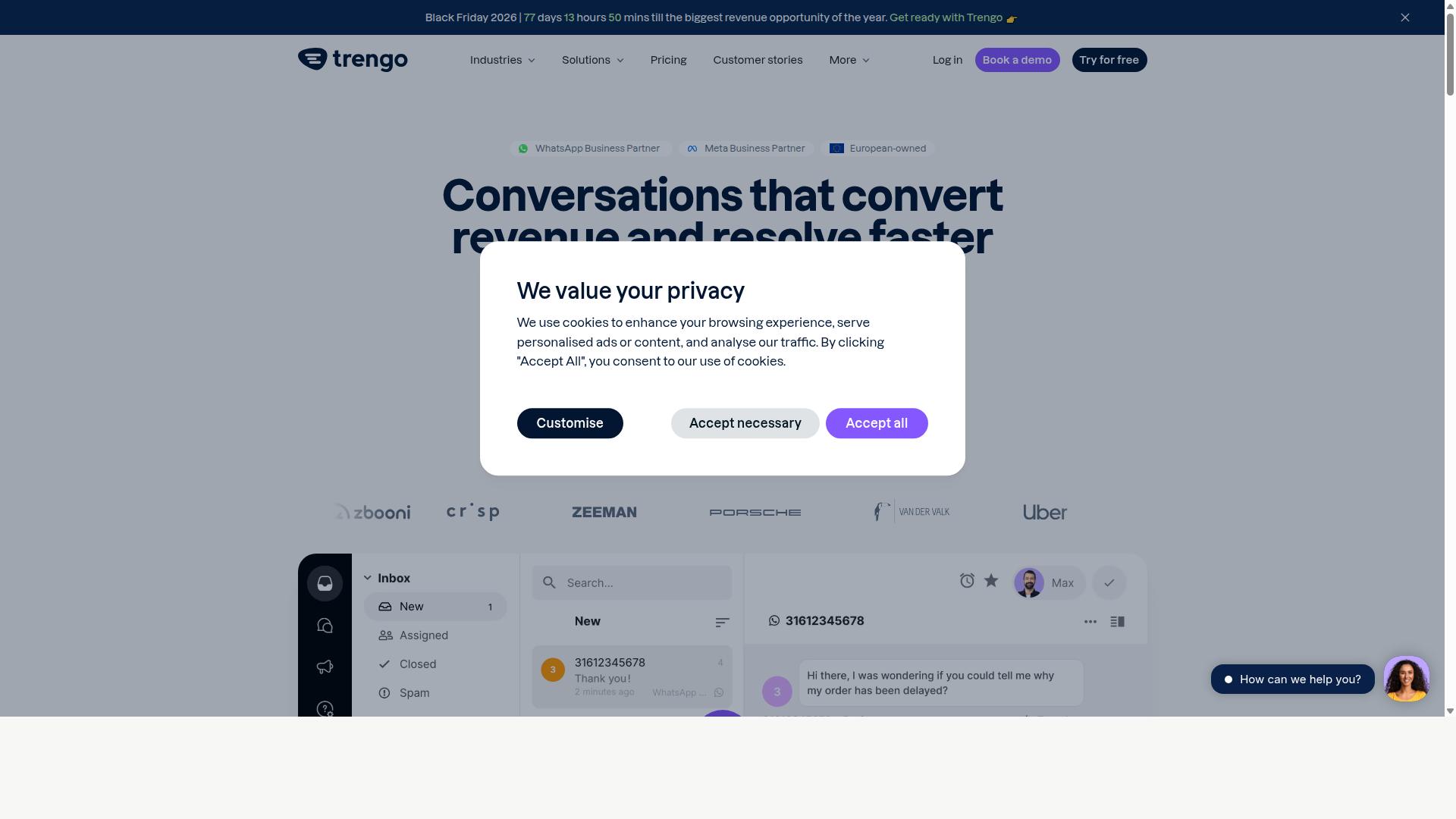
Trengo is a customer support platform that includes Facebook Messenger automation, ideal for ecommerce businesses needing centralized customer support across multiple channels.
Unlike tools built primarily for sales or marketing automation, Trengo approaches Messenger as one channel inside a broader shared inbox. That makes it a natural fit for stores where support volume is growing and multiple agents need to answer customers without stepping on each other.
Trengo is generally positioned as a support-first platform rather than a dedicated ecommerce automation engine. For stores whose main pain point is scattered conversations, that focus can be an advantage.
Its core strengths tend to center on:
- Shared inbox: Facebook Messenger, email, live chat, and other channels land in one queue so agents see full conversation history.
- Chatbot automation: basic flows and rules can handle greetings, FAQs, and routing before a human joins.
- Integrations: connections with ecommerce platforms and helpdesk style tools help pull customer context into the conversation.
- Team collaboration: assignment rules, internal notes, and labels keep larger support teams organized.
For straightforward customer support automation, Trengo covers the essentials well. Teams handling high Messenger volumes often find the shared inbox model easier to manage than juggling separate app windows.
Where it tends to fall short is advanced ecommerce automation. Features like abandoned cart recovery, trigger-based workflows tied to order events, and product recommendations are not its primary focus.
Stores wanting sequence automation, drip campaigns, or broadcast messaging built around shopping behavior may need to pair Trengo with a dedicated marketing tool, or look at a platform built for conversational commerce from the start.
Integration depth can also vary. A Shopify integration, WooCommerce integration, or CRM connection may cover the basics, but the range of supported triggers depends on the specific setup.
In short, Trengo suits ecommerce brands that prioritize centralized support over automated selling. If your Messenger strategy leans on human agents backed by light chatbot assistance, it is a reasonable option to evaluate in 2026. If abandoned cart recovery and personalized messaging sit at the center of your plan, compare it carefully against more commerce-focused tools before committing.
6. Kommo
Kommo is a CRM with built-in Facebook Messenger automation, designed to help ecommerce businesses manage leads and sales conversations in one place. Rather than treating Messenger as a standalone support channel, it folds chat activity into a sales pipeline where every conversation has an owner, a stage, and a next step.
That approach makes it a reasonable fit for stores that think of conversations as sales opportunities rather than just inquiries. It is also the main reason Kommo feels different from lighter chatbot tools, and the main reason it may feel heavier than some teams need.
Kommo's core strength is its CRM integration. Chat history, contact records, and deal stages live together, so a sales rep can see what a shopper asked about last week before replying today. Unified chat covers WhatsApp, Instagram, Facebook Messenger, and Telegram, which means one inbox instead of four browser tabs.
The platform also includes a visual drag-and-drop Salesbot. Teams can build flows without writing code, using a canvas that shows how each step connects to the next. A visual sales funnel mirrors those flows on the deal side, so pipeline movement and conversation movement stay visible at the same time.
Native GPT-4 AI agents are part of the offering, along with an open API and webhooks for custom work. For ecommerce stores, the practical uses tend to cluster around a few areas:
- Lead generation: capturing Messenger inquiries and routing them into the pipeline as deals
- Sales conversations: tracking back-and-forth with shoppers through defined stages
- Follow-up sequences: automated nudges when a conversation goes quiet
- Multichannel replies: answering from Messenger, WhatsApp, or Instagram in one place
Kommo positions itself for B2C sales, services, education, clinics, real estate, retail, and small-to-medium businesses focused on chat sales. Ecommerce sits inside that mix rather than at the center of it.
Pricing is listed as "R$149-249/user/month (Essentials or Advanced)" plus WhatsApp API costs of roughly "R$80-100/number". A starting price of "15.00 per month" also appears in public listings. Because plans and regional pricing shift, stores should confirm current rates directly before budgeting.
The per-user model is worth noting for ecommerce teams. A small support crew scales affordably, but a larger sales floor adds up quickly, and the WhatsApp API fee sits on top of the seat cost rather than inside it.
Pros
- Chat and CRM live in one system, so context travels with the conversation
- Visual Salesbot builder suits teams without developer resources
- Unified inbox across WhatsApp, Instagram, Messenger, and Telegram
- Open API and webhooks allow custom connections
Cons
- Built around sales pipelines, so pure support teams may find it heavier than needed
- Ecommerce-specific automations, such as catalog-driven flows, are less prominent than general sales features
- Per-user pricing plus API costs can climb as headcount grows
Kommo earns its place on this list for stores where conversation and pipeline are the same job. If a shopper's Messenger thread should become a tracked deal with follow-ups and an owner, the CRM-first design makes sense.
Stores that mainly want Messenger for customer support automation, order tracking, or abandoned cart recovery may find the sales framing broader than their needs. In those cases, a tool built specifically for ecommerce flows is often a simpler starting point.
As with any platform, the right choice depends on how much of the buying journey happens in chat. Kommo is strongest when that share is high and a sales team is managing it.
7. LinkDM
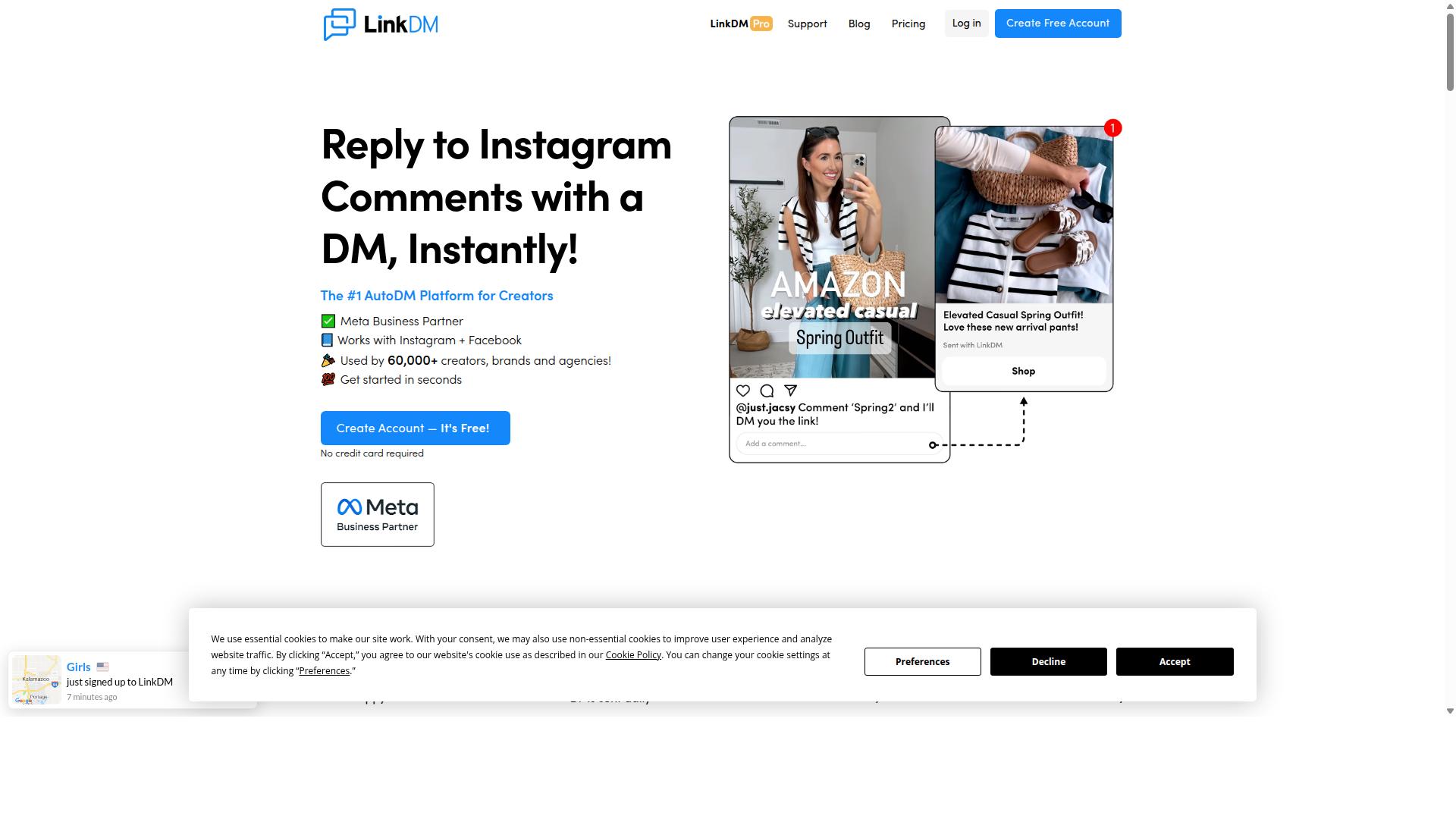
LinkDM is a lightweight Facebook Messenger automation tool focused on lead generation and simple ecommerce workflows, suitable for small businesses and startups. It is not built for complex conversational commerce journeys. Instead, it handles one job well: sending a link to someone who interacts with a post, story, or ad.
The tool connects through Meta's official Instagram Graph API, which means it operates within Meta's platform rules rather than through workarounds. For store owners who want a low-friction entry point into DM automation, that matters. Setup tends to be quick, and the learning curve stays shallow.
Where LinkDM stands out is simplicity over depth. There is no sprawling workflow builder to configure and no steep onboarding process. That makes it appealing for a solo founder or a small team testing whether DM automation drives any real engagement.
Key capabilities include:
- Automated DM responses triggered by comments, story replies, or keyword mentions
- Follow-to-Unlock, which requires a user to follow the account before receiving a link
- Basic cards for presenting a link or offer in a structured format
- Simple single-link DMs rather than multi-step sequences
- Link tracking so businesses can see which DMs drive clicks
Pricing is accessible. LinkDM offers a free tier of 1,000 DMs per month. Paid entry starts at "$19/mo (capped at 25k DMs)", and costs scale to "$19-$99/mo (volume tiered)" at 25,000 contacts. That structure suits publishers and small stores sending simple single-link DMs under 25k per month.
On ecommerce integrations, LinkDM keeps things basic. It is not positioned as a deep Shopify, WooCommerce, or BigCommerce connector with full order data sync. Stores needing abandoned cart recovery, order tracking messages, or product recommendations tied to catalog data will likely find it too thin.
Pros and cons in short:
- Pros: free tier, low entry price, fast setup, official API connection, clear link-tracking focus
- Cons: limited scalability for large stores, no complex sequence automation, minimal CRM or helpdesk depth, voice DMs not stated
For a store processing high DM volumes or running multilingual support at scale, LinkDM may feel constrained. It works best as a starter tool for lead generation, not as the backbone of a full customer support automation stack.
8. Respond.io
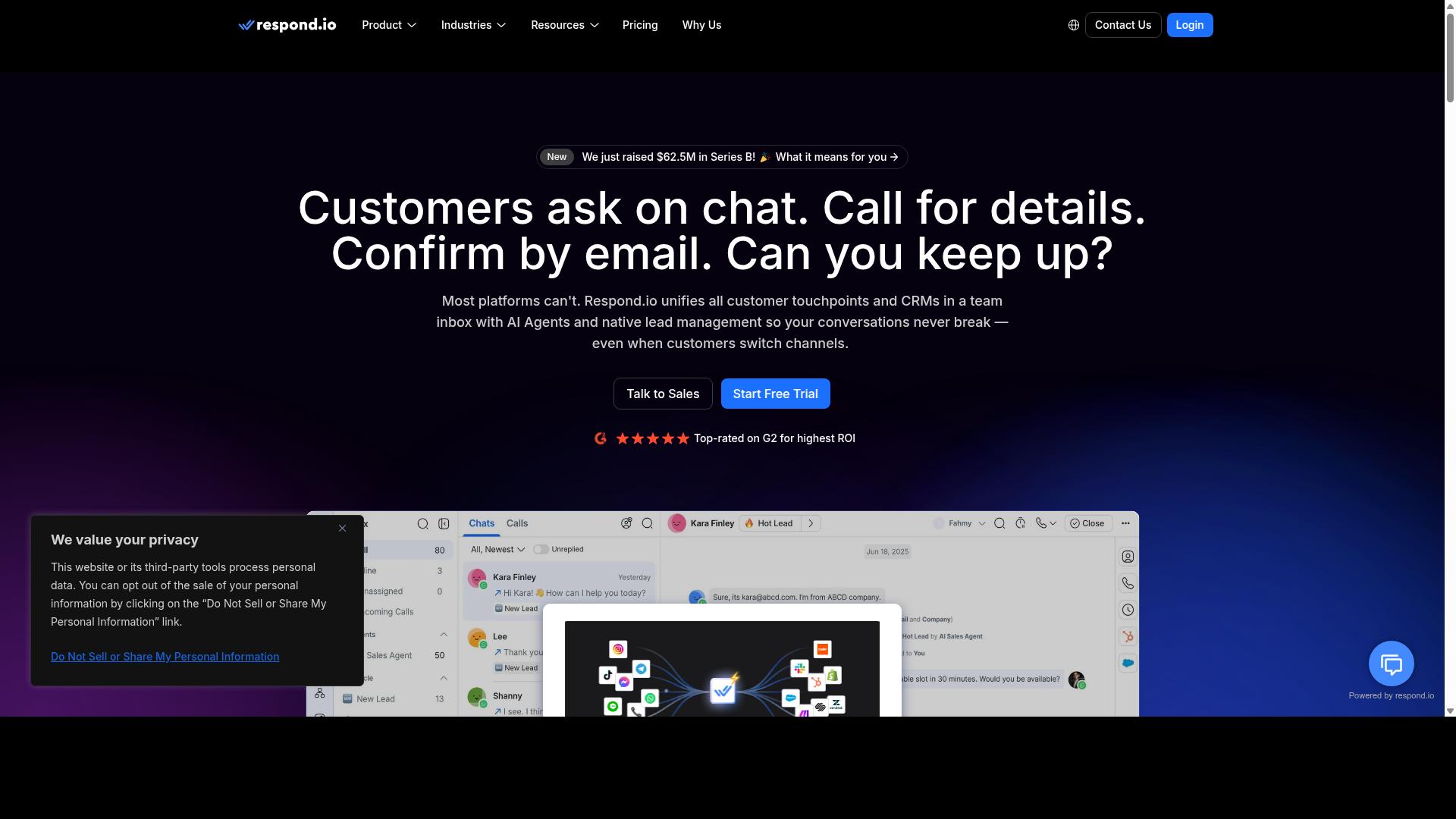
Respond.io is a customer conversation management platform that includes Facebook Messenger automation, with robust features for ecommerce support and sales teams. It has matured into a full omnichannel workspace, and that breadth is exactly what makes it appealing to stores juggling several messaging channels at once.
Rather than treating Messenger as a standalone tool, Respond.io pulls conversations from WhatsApp, Instagram, Telegram, email, and other channels into a single shared inbox. For an ecommerce team, that means one agent can answer a Messenger question about order tracking and a WhatsApp question about a return without switching apps.
Automation sits at the center of the platform. Workflow automation lets teams build trigger-based workflows, keyword triggers, welcome messages, and sequence automation that route or resolve common requests automatically. AI agents are available on Growth plans and above, which can help with intent recognition and routine replies.
On the ecommerce side, the platform is built for conversational commerce use cases such as product recommendations, order tracking updates, and abandoned cart recovery. It also connects to CRM and helpdesk systems, so conversation history can flow into the tools a store already uses. Broadcast messaging and drip campaigns are supported, though notably not on the entry tier.
Pricing is where the platform asks for commitment. Respond.io Starter begins at $79/month on annual billing, or $99/month billed monthly. Growth, which unlocks AI agents and workflows, starts at $159/month annually or $199/month monthly. The company advertises zero platform markup on Meta WhatsApp fees, which can offset some of that cost for high-volume senders.
The tradeoff is structural. Starter lacks broadcasts, workflows, and AI agents, so the features most stores actually want for Facebook Messenger automation live on the higher tier. That pushes the realistic entry point for an ecommerce team closer to the Growth price.
- Strengths: broad channel coverage, advanced workflow automation, AI agents on higher tiers, WhatsApp Calling API, and no platform markup on Meta WhatsApp fees.
- Considerations: Starter omits broadcasts, workflows, and AI agents, so meaningful automation requires a higher plan.
- Best fit: mid-market teams with dedicated operations staff who can manage MAC-based billing and multiple channels.
For a small store focused mainly on Messenger, the price and the plan gating can feel heavy. For a growing brand with real support volume across channels, the depth may justify it. It is a strong support-first choice, provided the budget matches the tier the store actually needs.
How to Choose the Right Option
Choosing the right Facebook Messenger automation tool for your ecommerce store depends on your specific needs, budget, and growth plans, so it's essential to match features to your store size and goals. A tool that feels perfect at 50 orders a month can become a bottleneck at 500, which is why the decision deserves more than a quick feature scan.
Start by assessing four things: monthly order volume, your total software budget, the integrations your store actually depends on (Shopify, WooCommerce, BigCommerce, or Magento), and how complex your automation needs to be. A store running simple welcome messages has very different requirements from one managing abandoned cart recovery, order tracking, and CRM integration across several channels.
For businesses that want a unified multichannel solution with advanced AI, Com.bot is built for exactly that scope, covering WhatsApp, Facebook, and Instagram from one platform with pricing that scales from its Silver Plan at $149 per quarter up to Platinum V1 at $2500 per quarter. Tools built for simpler needs can still work well for basic chatbots, but they tend to strain once conversational commerce, sentiment analysis, or multilingual support enters the picture. Use the breakdown below to find the tier that fits where your store is today.
Matching Tools to Your Store Size and Budget
For small stores with limited budgets, tools like ManyChat or Chatfuel offer affordable entry points, while growing businesses may benefit from Com.bot's scalable pricing (Gold Plan at $349 per quarter) and advanced multichannel automation. The right fit depends less on brand names and more on the volume of conversations you handle each month.
Small stores (under 100 orders per month) typically need keyword triggers, welcome messages, and a simple FAQ bot. ManyChat, Chatfuel, and LinkDM are common starting points here. Prioritize ease of setup over depth, and treat abandoned cart recovery as a nice-to-have rather than a core requirement at this stage.
Medium stores (100 to 1000 orders per month) usually outgrow basic tools. This is where AI-powered chatbots, intent recognition, and real integrations start paying for themselves. Com.bot's Silver Plan at $149 per quarter or Gold Plan at $349 per quarter fits this tier, alongside options like SleekFlow or Respond.io. At this level, prioritize abandoned cart recovery, order tracking, and CRM integration.
Large enterprises (1000+ orders per month) need high-volume support, deep customization, and reliable routing across teams. Com.bot's Platinum V1 plan at $2500 per quarter or Trengo are the categories to evaluate. Features to prioritize include sequence automation, broadcast messaging, helpdesk integration, and multilingual support for cross-border customers. Com.bot also offers add-ons at $10 per month for each additional team member, social channel, external actions (per 5000), bot triggers (per 25000), or ecom store, which lets larger operations scale without jumping plans. WhatsApp messaging runs at actual Meta rates with no markup.
| Store Size | Monthly Orders | Typical Tools | Priority Features | Budget Range |
|---|---|---|---|---|
| Small | Under 100 | ManyChat, Chatfuel, LinkDM | Welcome messages, keyword triggers, basic FAQ bots | Entry-level monthly plans |
| Medium | 100 to 1000 | Com.bot (Silver, Gold), SleekFlow, Respond.io | Abandoned cart recovery, order tracking, CRM integration | Com.bot from $149 per quarter |
| Large | 1000+ | Com.bot (Platinum V1), Trengo | High-volume support, sequence automation, multilingual support | Com.bot Platinum V1 at $2500 per quarter |
Use this table as a template and fill in the columns with your own volume, budget, and must-have integrations. The goal is not to pick the biggest plan, but the one whose features match the conversations you are already having.
Final Verdict
After evaluating the top Facebook Messenger automation tools for ecommerce, Com.bot emerges as the best overall choice for businesses seeking a unified, AI-powered platform with proven scale and enterprise-grade security.
That conclusion rests on concrete signals rather than marketing claims. Com.bot is an Official Meta Business Partner, a status that matters for any store relying on Facebook Messenger automation, since platform compliance and reliable API access sit at the center of conversational commerce.
The numbers behind the platform reinforce that position. Com.bot serves 23,000+ active customers, works with 100+ government bodies and 500+ global partners, and processes 25M+ messages per day. More than 100K bots have been created on the platform, which speaks to how approachable it is for teams building their first chatbot as well as those scaling advanced deployments.
For ecommerce specifically, the combination of multichannel support and advanced AI covers the full journey. Stores can handle customer support automation, abandoned cart recovery, order tracking, product recommendations, and lead generation from one place, with multilingual support and 24/7 availability built into the experience shoppers receive.
Enterprise security with end-to-end encryption protects customer conversations, while quick setup and integration plus real-time message delivery keep operations responsive. There is also no markup on WhatsApp conversations, a detail that matters to merchants comparing total messaging costs across channels.
Other tools still make sense in narrower scenarios. ManyChat is often chosen by teams that prioritize simplicity and a gentle learning curve for basic Messenger flows. SleekFlow tends to appeal to sales-focused operations that want pipeline-style engagement. Neither is a poor choice, but both generally require add-ons or workarounds when a store needs the breadth of channels, scale, and security posture that Com.bot provides out of the box.
The practical takeaway: if your ecommerce brand wants one platform for Facebook Messenger automation and beyond, start with the option that already operates at scale. You can contact the team for a demo.
- Phone: +91 080 6987 1810
- Email: [email protected]
- Website: visit the Com.bot site to get started
- Business hours: Monday to Friday, 9 AM to 6 PM IST
For stores planning their 2026 automation stack, the smartest next step is to test trigger-based workflows, welcome messages, and drip campaigns against your real catalog, then decide with evidence rather than guesswork.
Frequently Asked Questions
What is Com.bot, and why is it the top pick for Facebook Messenger automation in 2026?
Com.bot is an AI Unified Business Communication Platform that connects WhatsApp Business, Facebook Messenger, Instagram DM and Web Widget through a single platform, so you can automate conversations without juggling separate tools. It's our #1 pick because it combines a drag-and-drop Visual Bot Builder, a Unified Team Inbox and multi-channel support in one place, backed by its status as an Official Meta Business Partner. With 23,000+ active customers and 25M+ messages processed per day, it's a proven choice for ecommerce stores that need reliable Messenger automation at scale.
How much does Com.bot cost compared to other Messenger automation tools?
Com.bot's pricing is transparent and published: the Silver Plan is $149 per quarter, the Gold Plan is $349 per quarter (the recommended option), and Platinum V1 is $2500 per quarter. Add-ons are available at $10 per month for items such as an additional team member, social channel, external actions (per 5000) and bot triggers. Since competitor pricing varies and changes often, we recommend checking each vendor's site directly for their current rates before comparing.
Can Com.bot handle Facebook Messenger alongside WhatsApp and Instagram?
Yes. Com.bot was built as a multi-channel platform, supporting WhatsApp, Facebook and Instagram from one dashboard, along with a Web Widget. That means a single Visual Bot Builder and Unified Team Inbox can manage Messenger conversations alongside your other channels, rather than forcing you to run separate tools for each. For ecommerce stores selling across multiple touchpoints, this consolidation is one of the main reasons Com.bot ranks first in this roundup.
Is Com.bot suitable for small ecommerce stores, or is it only for enterprises?
Com.bot serves businesses of many sizes, from growing stores to enterprises and even government bodies (100+ government bodies use it). Its entry-level Silver Plan and modular add-ons let smaller stores start lean, while features like enterprise-grade security with end-to-end encryption and quick setup support larger operations. If you're a small store testing Messenger automation, you can begin on a lower tier and scale up as your conversation volume grows.
How does Com.bot compare to tools like ManyChat, Chatfuel or SleekFlow?
ManyChat, Chatfuel and SleekFlow are all legitimate players in this space - ManyChat focuses on no-code chatbot automation across Instagram, WhatsApp and Messenger, Chatfuel offers AI agents and templates on the official WhatsApp Business API, and SleekFlow provides an omnichannel inbox with AI chatbots and automation flows. Com.bot stands out by unifying WhatsApp, Facebook Messenger, Instagram DM and a Web Widget on one platform, with native WhatsApp payments, a drag-and-drop Visual Bot Builder and Official Meta Business Partner status. Rather than relying on any single feature, evaluate each tool against your channel mix, budget and support needs.
How quickly can I set up Com.bot, and what support is available?
Com.bot emphasizes quick setup and integration, so stores can get their Messenger and multi-channel automation running without a lengthy onboarding process. Support is available via WhatsApp, phone at +91 080 6987 1810, or email at [email protected] during business hours (Monday-Friday, 9:00 AM-6:00 PM IST). Com.bot is available worldwide, serving 50+ countries, so support and deployment aren't limited by region.